Updated against official, partner, and reviewed site evidence where available.
Last updated: July 27, 2026
Source separation
Official or partner facts are separated from practical notes.
Fast-changing details
Prices, screening, documents, and rules can change.
Affiliate link handling
Some next-step links may be monetized.
Needs review: Approval, visa/tax/legal, availability, and campaign terms are not guaranteed. Confirm on the official or partner page.
Recommended next step
Before PayPay setup, prepare SMS, card, and payment routes
For readers likely to get stuck at eKYC or SMS verification, show practical setup routes.
Before applying, check the destination page for current eligibility, from-abroad or domestic application options, required documents, and support languages.
This page contains affiliate links. We may earn a commission from purchases or sign-ups, at no extra cost to you. Learn more
•Updated for 2026! A complete guide to PayPay's max 30% cashback campaign and eKYC registration hacks for foreigners. We cover app-free Alipay+ usage for travelers, plus middle name solutions and SMS-capable SIM selection (Rakuten Mobile/Mobal) for residents.
"If you are using cash in Japan, you might be the only one."
As of 2026, Japan's cashless adoption has improved dramatically, with PayPay always at the center of it. However, for foreigners, PayPay has "two different faces" depending on your status.
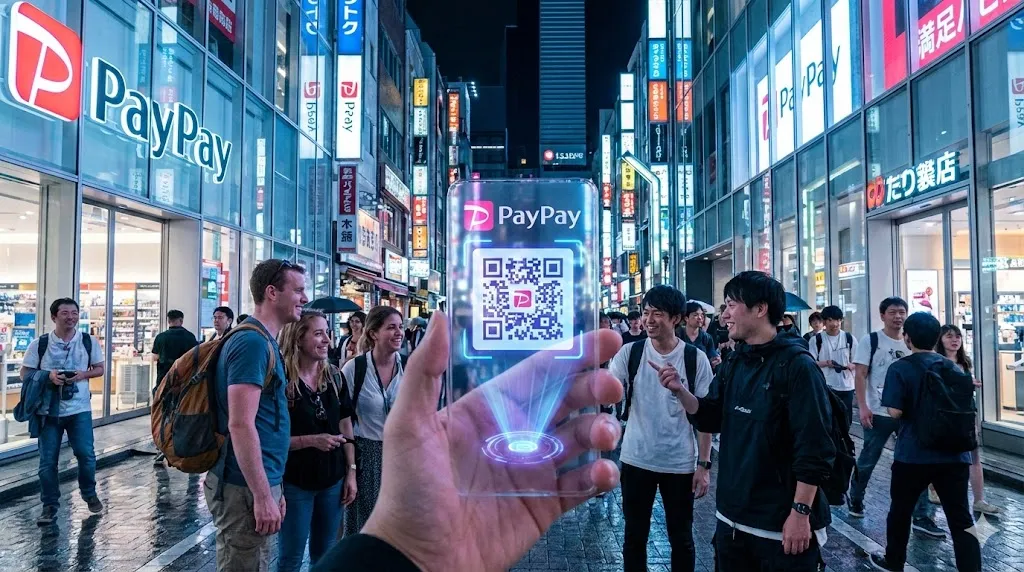
For Travelers: A convenient payment infrastructure where you can use your home wallet without downloading the app.
For Residents: The hardest app to register for, blocked by phone number verification and the complex "Middle Name Barrier."
This article fully explains how to conquer the "Max 30% Cashback Campaign" starting in February 2026, how travelers can pay via Alipay+, and the tricks for residents to break through the eKYC (identity verification) wall to create an account.
[For Travelers] No App Download Needed! How to Use PayPay via "Alipay+"
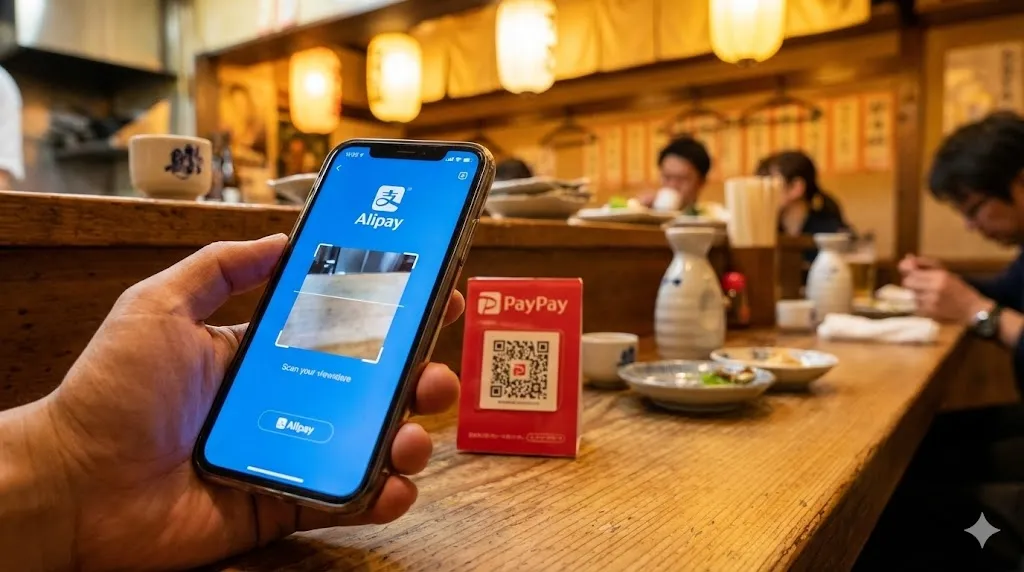
The biggest news for tourists (short-term visitors) is that "you do not need to download the Japanese PayPay app."
PayPay is connected to the "Alipay+" and "HIVEX" networks, making the following 19+ types of overseas cashless payment apps usable at Japanese PayPay merchants (Bring Your Own Wallet).
China: Alipay
Hong Kong: AlipayHK
South Korea: Kakao Pay, NAVER Pay, Toss
Philippines: GCash
Thailand: TrueMoney
Malaysia: Touch 'n Go eWallet
Others: Major wallets from Taiwan, Singapore, Italy, etc.
How to Use (User Scan Method)
If a Japanese small business (restaurant, souvenir shop, etc.) displays a QR code, follow these steps:
Open your own country's app (Alipay, GCash, etc.).
Scan the store's PayPay QR code.
Enter the amount in "Japanese Yen."
Show the screen to the clerk to complete the transaction (payment is immediately converted and deducted in your home currency).
👨
Just tell the clerk 'PayPay.' They don't need to worry about which country's app you are using.
Note: At convenience stores (Lawson, 7-Eleven, etc.) that use the "Store Scan Method" (where the clerk scans your phone), some overseas wallets may not be supported. Shops where you scan the QR code yourself are almost guaranteed to work.
[For Residents] Complete PayPay Registration Steps and the "SMS Verification" Wall
For "residents" such as international students or work visa holders, registering for the Japanese PayPay app is essential to fully utilize money transfer functions, bill payments, and point rewards.
However, many people fail at the very first step: the "Japanese Mobile Phone Number (SMS Verification)" wall.
050 Numbers are Not Accepted! You Need "070/080/090"
As of 2026, PayPay's security standards are extremely strict. You cannot register with IP phones (numbers starting with 050) or overseas phone numbers. You must have a SIM Card with voice call functionality.
If you "don't have a Japanese number yet" or "only have a data-only SIM," you need to contract a SIM card before registering for PayPay.
Our top recommendation is Rakuten Mobile. Not only do you get a phone number, but it also unlocks "Rakuten Pay"—a competitor to PayPay—and boosts your point earning rate on Rakuten Ichiba.
Rakuten Mobile
Secure the '070/080/090 number' essential for PayPay registration at the lowest cost. Unlimited data plans available, and free domestic calls using the Rakuten Link app. Plus, earn Rakuten Points.
If you are on a short-term stay (less than 3 months) and find credit card or residence card procedures troublesome, Mobal SIM is the optimal solution as it can be contracted with just a passport.
Mobal SIM
No Residence Card required; a voice SIM contractable with just a passport. Get a Japanese phone number immediately.
The Final Boss: "Identity Verification (eKYC)" and the Middle Name Solution
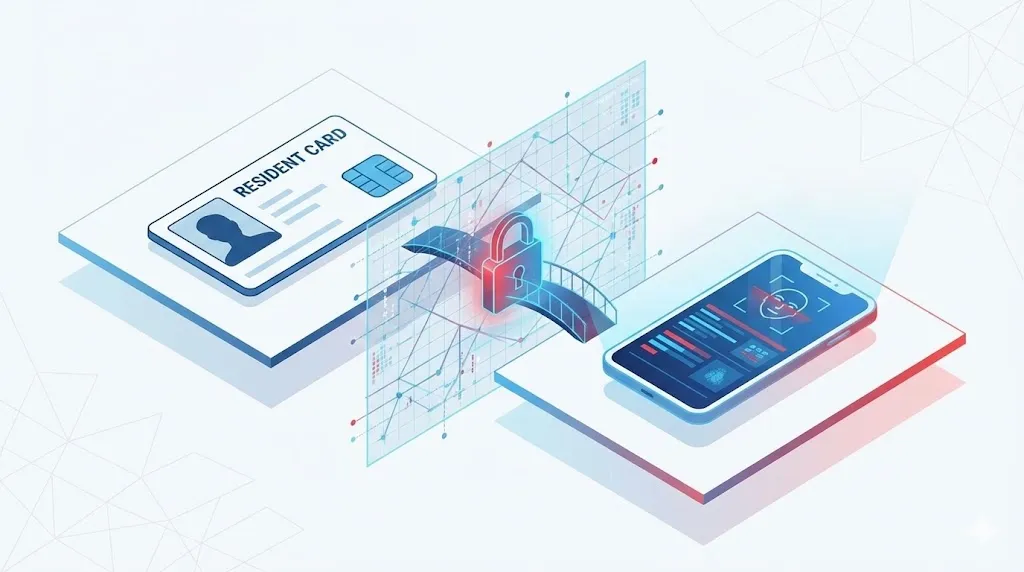
What awaits you after clearing the phone number hurdle is the final boss: "Identity Verification (eKYC)." Communities like Reddit are full of reports from foreign residents failing the screening due to "middle names" or "spaces in names."
Why Do Applications Fail?
If your Japanese bank account name (Katakana), your Residence Card name (Romaji), and your PayPay registration name differ by "even a single character or a single space," the system judges it as a "mismatch."
2026 Edition: Strategy Methods
IC Chip Reading (Mandatory):
Since July 2024, scanning the IC chip of your Residence Card with your smartphone has become the standard. The success rate is higher than the photo upload method, so be sure to choose this option.
Space Deletion Trick:
If your bank account name is "JohnJames" (no space) but your Residence Card is "JOHN JAMES" (with space), please remove the space when entering your name in Katakana on PayPay. This increases the probability that the system will match it with the bank's format.
Last Resort "Mail Application":
If the AI screening rejects you no matter how many times you try, select "Identity Verification via Mail" from the app. Since humans visually verify these, they are more flexible with complex middle name variations (Time required: approx. 1-2 weeks).
For tips on confirming bank account names and opening accounts, we explain in detail in this article:
If linking a bank account just doesn't work, switch to cash charging at 'Seven Bank ATMs.' Even without identity verification, you can still use the payment function.
[February 2026] Up to 30% Back! Local Municipality Campaign Strategy
The biggest benefit of using PayPay is the overwhelming point return from the "Support Your Town Project." In February 2026, super-hot campaigns are being held in the following municipalities:
Makurazaki City, Kagoshima: Max 30% (One-time cap: 6,000 points)
Shiwa Town, Iwate: Max 20%
Tobetsu Town, Hokkaido: Max 15% (Short-term focus during the Snow Festival)
Especially for Makurazaki City's "30% return," if you spend 20,000 Yen, you get 6,000 Yen worth of points back. This is on a completely different level compared to credit card reward rates (usually 0.5% - 1.0%).
Strategy Points
Beware of Early Termination: Municipal budgets have limits. Campaigns often end before the end of the month, so using them in early February is the golden rule.
Payment Method Restrictions: Payments linked to third-party credit cards (Visa/Mastercard, etc.) are not eligible for the campaign. You must charge your "PayPay Balance" before paying.
For a comparison with other payment methods like Rakuten Pay, please see the article below.
Even if you don't have a Japanese bank account, you can use PayPay. You can charge with cash at "Seven Bank ATMs" or "Lawson Bank ATMs" nationwide (no handling fees).
"Exit Strategy" for Accumulated Points
A smart way to use the PayPay points you've earned from campaigns is to invest them in "PayPay Asset Management (NISA)" or use them for daily shopping.
Especially when buying daily necessities or electronics, using Yahoo! Shopping is overwhelmingly better than physical stores. By combining "Days with 5" (5th, 15th, 25th) and "LYP Premium" benefits, your PayPay point return rate increases even further.
Yahoo! Shopping
The most efficient place to use your accumulated PayPay points. From daily necessities to electronics, it's often cheaper than physical stores and earns you more points.
PayPay is an essential tool for making life in Japan comfortable, but registering for it requires two keys: a "Phone Number" and "Correct Identity Verification." First, secure a SIM card that allows SMS verification and overcome the eKYC barrier.
The 30% cashback campaign in February 2026 won't wait for you. Start preparing now and enjoy your life in Japan at a great value.
Related money task
If you have side or freelance income, review tax filing prep
This internal guide does not decide individual eligibility; it helps organize document prep and software options.
Q: What is PayPay and can foreigners use it in Japan?
A: PayPay is Japan's most widely used QR code payment app, accepted at over 4 million locations. Foreigners can use PayPay — you need a Japanese phone number (for SMS verification). You can link a foreign Visa/Mastercard to charge it, or add money at convenience stores.
Q: How do I sign up for PayPay as a foreigner in Japan?
A: Download PayPay from the App Store or Google Play → enter your Japanese phone number → receive SMS code → create a password. Link a card (foreign Visa/Mastercard accepted for initial setup in most cases) or charge via convenience store. The app's language can be set to English in settings.
Q: What PayPay campaigns and bonuses are available in 2026?
A: PayPay runs regular campaigns: (1) 20% cashback at specific merchant categories (changes monthly), (2) Jumbo bonus 1,000 yen random draws on large purchases, (3) PayPay Step (more you use monthly, higher your bonus rate). Check the PayPay app's "お得" (deals) section for current campaigns.
Q: Can I use PayPay internationally?
A: PayPay is usable in Japan only. However, PayPay has partnerships with apps in some Asian countries (Alipay, Kakao Pay, LINE Pay network) that allow reciprocal QR payment — Japanese users can pay at certain overseas merchants. Check the PayPay international page for current partner countries.
Q: Is it safe to load large amounts of money onto PayPay?
A: PayPay accounts are protected by password and biometric authentication. However, as a prepaid payment, funds are not covered by bank deposit insurance. Limit your PayPay balance to what you plan to spend in the near term (e.g., ¥10,000–30,000). Never share your OTP or login credentials.
Yushi Yamamoto
CEO / Native Japanese Expert
Updated on: July 27, 2026
Disclaimer
※ The information in this article is accurate as of the time of writing. Laws and regulations may change, so please always check official sources for the latest information. We assume no liability for any damages resulting from the content of this article.





![[2026 Comparison] Rakuten Point vs V Point vs d POINT](/_next/image?url=https%3A%2F%2Fcdn.sanity.io%2Fimages%2Fs5zbl9nu%2Fproduction%2F64764f87e0bd63725773de1998f35969485517e2-1200x630.jpg%3Fauto%3Dformat%26q%3D72%26fit%3Dmax%26w%3D640&w=3840&q=75)